

































Time limits
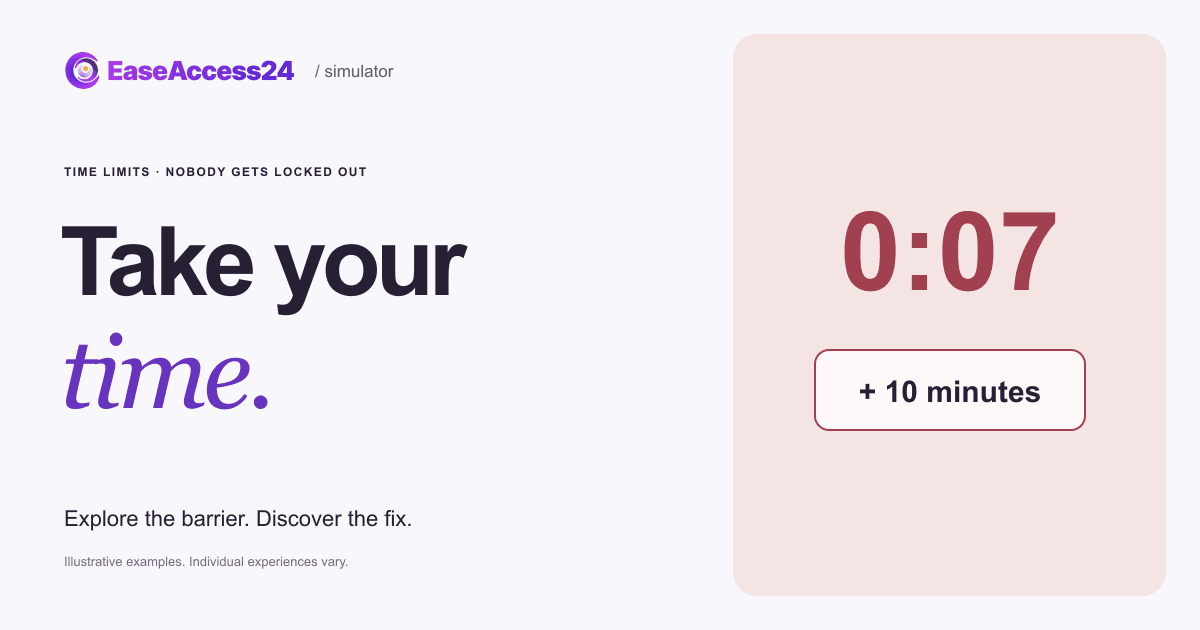
Choose delivery, accept the terms and pay before time runs out.
On touch, use Next focus to follow the route.
Try to finish the task. Show the fix when you’ve had enough.
The timer is part of the barrier and keeps running. Show the fix whenever you like.
Here’s what changed
We hold tickets for 10 minutes, show the time clearly and let you add more time without losing your choices.
Customers who need longer to read, decide or type still get their tickets.Now, your website
Is your website timing customers out before they’re done?
We review time limits and session timeouts across your key journeys. We recommend how to extend, adjust or remove them, and check that people keep their progress when time runs out.
Read the text version
Choose a delivery method, accept the terms and pay. In the original, a small timer in the corner empties your basket after 20 seconds, with no warning and no way to extend it. The fix holds tickets for 10 minutes, shows the time remaining clearly and offers “Add 10 minutes”, so nobody loses their choices. Your delivery choice carries over. Many people need more time, including screen reader users and people with cognitive or motor disabilities.
How EaseAccess24 helps: We review time limits and session timeouts across your key journeys. We recommend how to extend, adjust or remove them, and check that people keep their progress when time runs out.
WCAG · Timing AdjustableHow to fix this on your website
Your tickets are held for 20 seconds. Then the basket empties: no warning, and no way to ask for more time. Customers who need longer to read, decide or type still get their tickets.
- Avoid time limits unless they are truly necessary.
- Warn people at least 20 seconds before time runs out, and let them extend it with one simple action.
- Keep what people entered when a session expires, so they can pick up where they left off.
- Let people turn off or adjust time limits, for example to ten times the default.
WCAG 2.2: 2.2.1 Timing Adjustable (A) · 2.2.5 Re-authenticating (AAA) · 2.2.6 Timeouts (AAA). WCAG · Timing Adjustable
Read more on the EaseAccess24 blog
Disability
Accessible Time Limits: Fixing Website and Checkout Timeouts
Who needs more time online in Europe, and how to fix checkout timers.

Guide
The Complete Guide to WCAG: Principles, Levels, and Accessibility Standards
A clear guide to WCAG principles, versions, and compliance for accessible web.
Development
How to Improve Your Website's Accessibility in 5 Easy Steps
Five practical steps developers can take today to improve website accessibility.
The example couldn’t load. Reload this example or read the complete text version above.