

































Deaf & hard of hearing
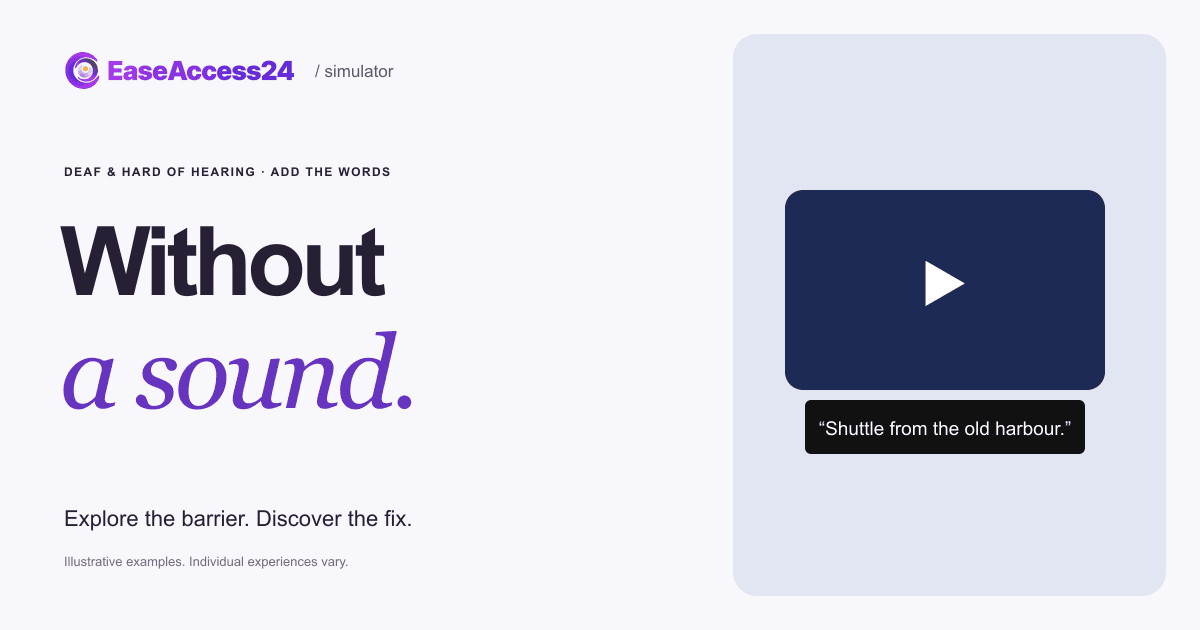
Watch the video and find where the free shuttle leaves from.
On touch, use Next focus to follow the route.
Try to finish the task. Show the fix when you’ve had enough.
The video plays silently on purpose. No audio plays in this example. You can pause at any time.
Here’s what changed
We added captions that follow the speech and a full transcript below the video. It still plays without sound.
The shuttle location reaches every viewer, with or without sound.Now, your website
What are your videos saying to people who can’t hear them?
We check your video and audio content for captions, transcripts and audio description. Your team gets practical guidance for publishing them, and we re-test the result.
Read the text version
The shuttle leaves from the old harbour. In the original, the presenter says this, but the video has no captions and plays without sound, so the information never reaches you. The fix adds captions timed to the speech and a full transcript below the player. The video still plays silently; only access to the words changes. Hearing loss varies; many people also watch video with the sound off.
How EaseAccess24 helps: We check your video and audio content for captions, transcripts and audio description. Your team gets practical guidance for publishing them, and we re-test the result.
WCAG · Captions (Prerecorded)How to fix this on your website
The presenter says exactly where the free shuttle leaves. With no sound and no captions, that sentence never reaches you. The shuttle location reaches every viewer, with or without sound.
- Add accurate captions, timed to the speech, to every prerecorded video.
- Publish a transcript next to the video, including important sounds and speaker names.
- Don’t autoplay sound. If media plays automatically, give an obvious way to pause or mute it.
- Put key facts such as places, dates and prices in the page text as well as in the video.
WCAG 2.2: 1.2.2 Captions (Prerecorded) (A) · 1.2.8 Media Alternative (Prerecorded) (AAA) · 1.4.2 Audio Control (A). WCAG · Captions (Prerecorded)
Read more on the EaseAccess24 blog
Disability
Video Captions for Deaf and Hard of Hearing Users in Europe
Hearing loss in Europe by country, and how captions and transcripts fix video.

Guide
The Complete Guide to WCAG: Principles, Levels, and Accessibility Standards
A clear guide to WCAG principles, versions, and compliance for accessible web.
Development
How to Improve Your Website's Accessibility in 5 Easy Steps
Five practical steps developers can take today to improve website accessibility.
The example couldn’t load. Reload this example or read the complete text version above.