

































Motor & tremor
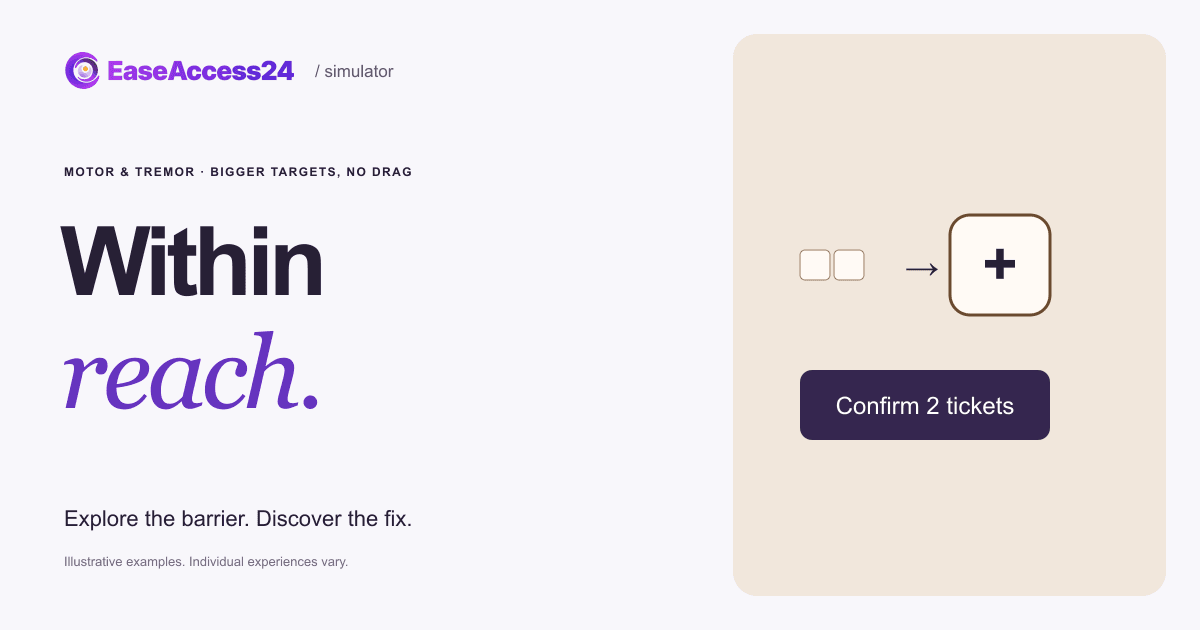
Choose 2 tickets, then confirm.
On touch, use Next focus to follow the route.
Try to finish the task. Show the fix when you’ve had enough.
Taps land slightly off target to illustrate a tremor. The effect stays when you show the fix.
Here’s what changed
We made the buttons large and well spaced, and replaced slide-to-confirm with a normal button. The tremor stays the same.
An unsteady hand still lands the tap, and one press replaces the drag.Now, your website
Can your buttons be hit with an unsteady hand?
We test target sizes, spacing and gesture-based controls on real devices. Your team gets specific alternatives to dragging and precise gestures, and we verify the repaired controls.
Read the text version
Choose 2 tickets, then confirm. In the original, the minus and plus buttons are tiny and close together, and booking needs a slide-to-confirm drag with no keyboard or single-tap alternative. An illustrative tremor shifts each tap a few pixels. The fix keeps the same tremor but uses large, well-spaced buttons and a normal Confirm button. Your quantity carries over. Motor disabilities vary widely; this shows one design barrier.
How EaseAccess24 helps: We test target sizes, spacing and gesture-based controls on real devices. Your team gets specific alternatives to dragging and precise gestures, and we verify the repaired controls.
WCAG · Dragging MovementsHow to fix this on your website
An illustrative tremor nudges every tap a little off target. Tiny buttons and a drag-only confirm turn two tickets into a struggle. An unsteady hand still lands the tap, and one press replaces the drag.
- Make targets at least 24 × 24 CSS pixels, ideally 44 × 44, with space between them.
- Give every drag, swipe or slide action a single-tap or click alternative.
- Make sure every control also works with a keyboard.
- Avoid actions that need precise timing or holding, and let people undo mistakes.
WCAG 2.2: 2.5.7 Dragging Movements (AA) · 2.5.8 Target Size (Minimum) (AA) · 2.1.1 Keyboard (A). WCAG · Dragging Movements
Read more on the EaseAccess24 blog
Disability
Motor Accessibility: Tremor, Target Size and Europe Data
Tremor, arthritis and motor disability in Europe, and how to fix tiny targets.

Guide
The Complete Guide to WCAG: Principles, Levels, and Accessibility Standards
A clear guide to WCAG principles, versions, and compliance for accessible web.

Development
How to Improve Your Website's Accessibility in 5 Easy Steps
Five practical steps developers can take today to improve website accessibility.
The example couldn’t load. Reload this example or read the complete text version above.